Dota 2 for PC
Free-to-play strategy game from Valve

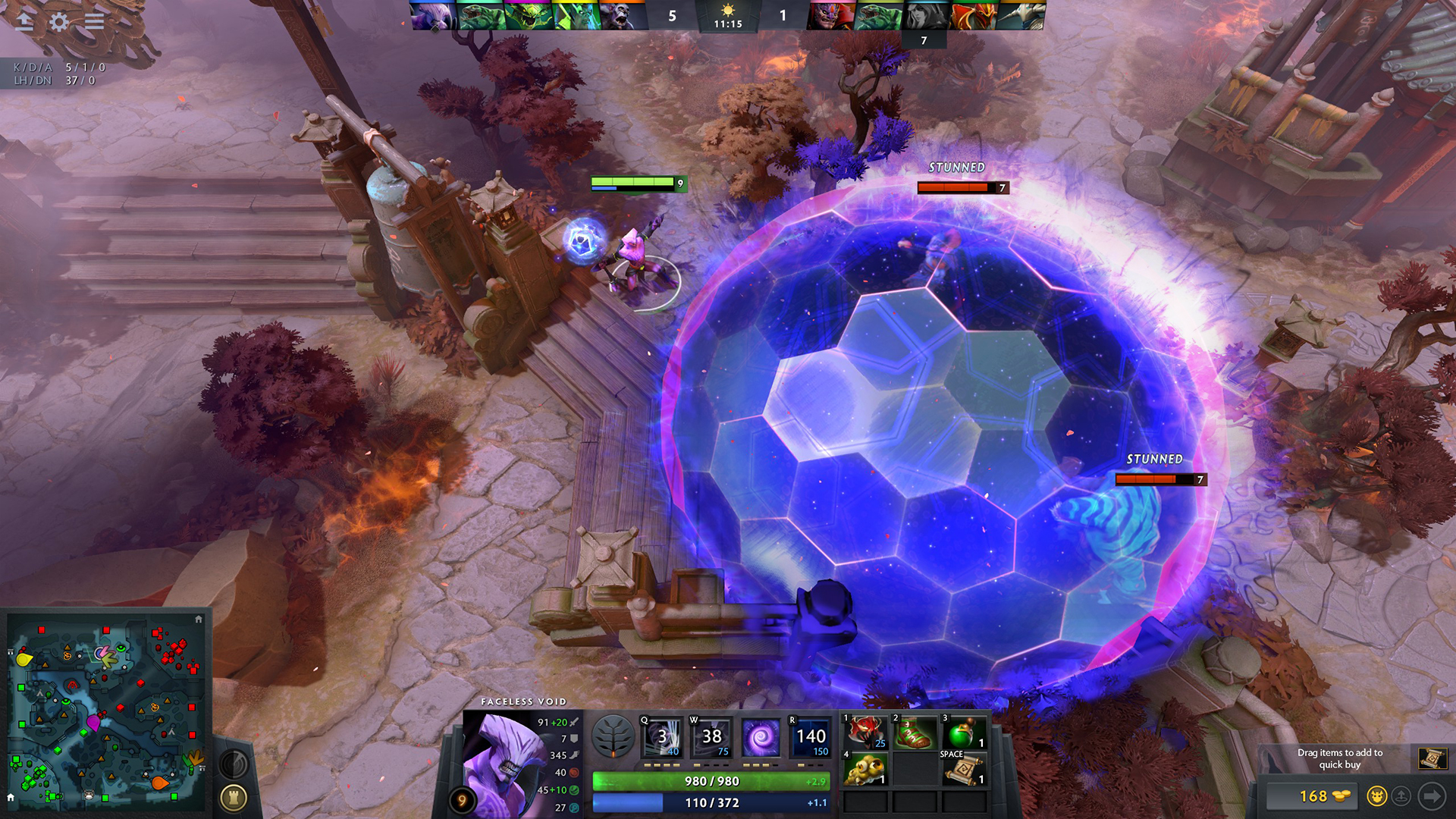
Every day, millions of players worldwide enter battle as one of over a hundred Dota heroes. And no matter if it's their 10th hour of play or 1,000th, there's always something new to discover.
Features
- Mods from the Steam Workshop
- Metacritic score: 90
- 29 languages
Technical details
- Version
- Latest on the official website
- Developer
- Valve
- License
- Free to play
- Updated
- Nov 19, 2026
- Platforms
- Windows, Mac, Linux
System requirements
Windows 7 or newer · Dual core from Intel or AMD at 2.8 GHz · 4 GB RAM · NVIDIA GeForce 8600/9600GT, ATI/AMD Radeon HD2600/3600 · 60 GB disk



Similar strategy
- 0 A.D. – Ancient warfare strategy game
- Age of Empires II: Definitive Edition – Strategy game from Forgotten Empires
- Age of Empires III: Definitive Edition – Free-to-play strategy game from Tantalus Media
- Age of Empires IV: Anniversary Edition – Strategy game from Relic Entertainment
- Arena Breakout: Infinite – Free-to-play strategy game from Morefun Studios
- Balatro – The poker roguelike
- Battle for Wesnoth – Turn-based fantasy strategy
- Battlerite – Free-to-play strategy game from Stunlock Studios
How to download and install Dota 2
- Click the green Download button on this page and get the official installer.
- Open the downloaded file (usually in your Downloads folder). If Windows asks "Do you want to allow this app to make changes?", click Yes.
- Follow the setup steps. Read each screen and keep the default options if you are not sure.
- When it finishes, start Dota 2 from the Start menu.
Dota 2 FAQ
Is Dota 2 free?
Yes, Dota 2 is free to download and use (Free to play).
Is Dota 2 safe to download?
Our download button goes to the developer's official website or file, so you get the original installer. Its safety score on AllSoftwareAPK is 70/100.
Which systems does Dota 2 run on?
Dota 2 is available for Windows, Mac, Linux. Requirements: Windows 7 or newer · Dual core from Intel or AMD at 2.8 GHz · 4 GB RAM · NVIDIA GeForce 8600/9600GT, ATI/AMD Radeon HD2600/3600 · 60 GB disk.