Lost Ark for PC
Free-to-play MMO game from Smilegate RPG

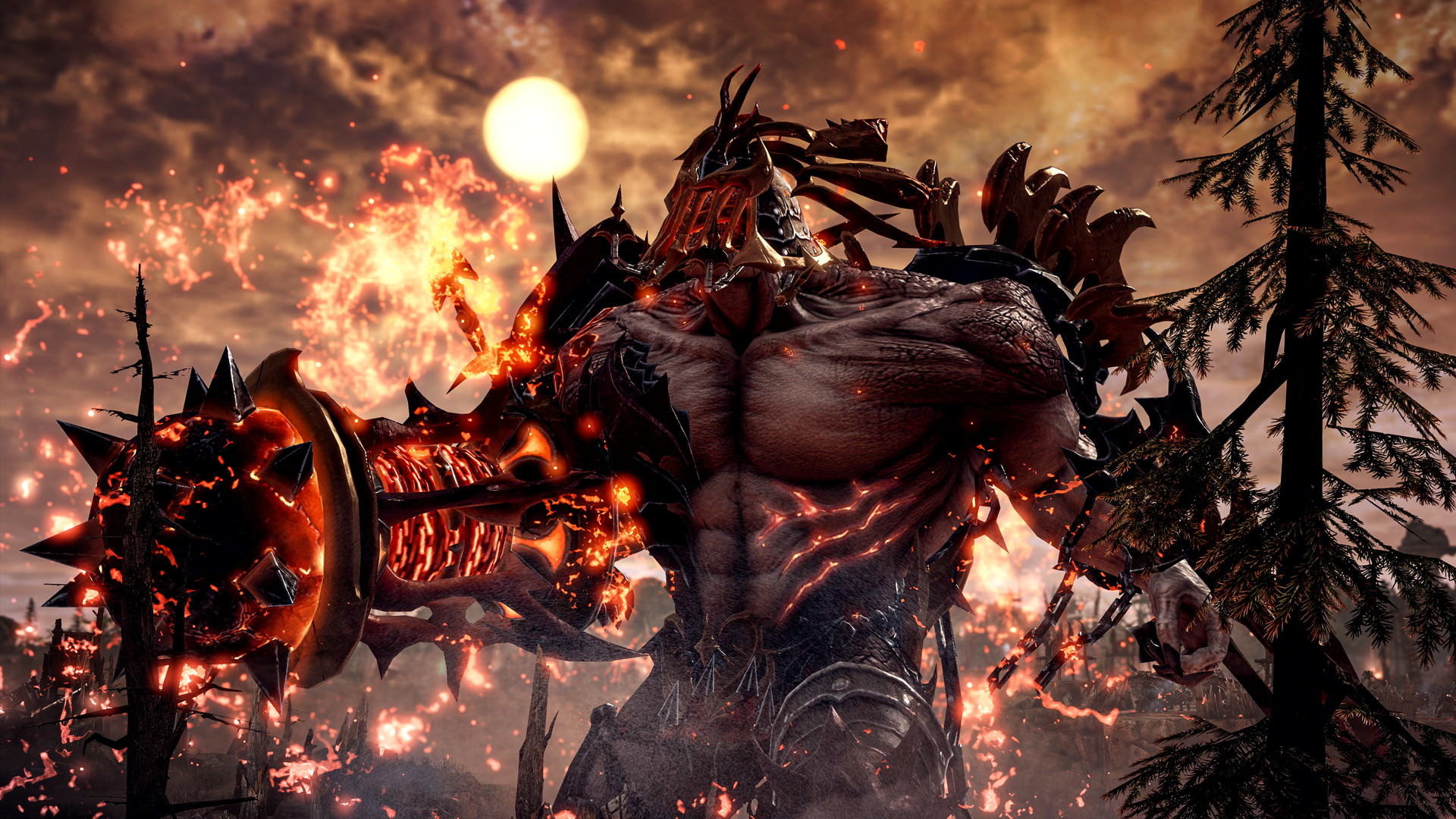
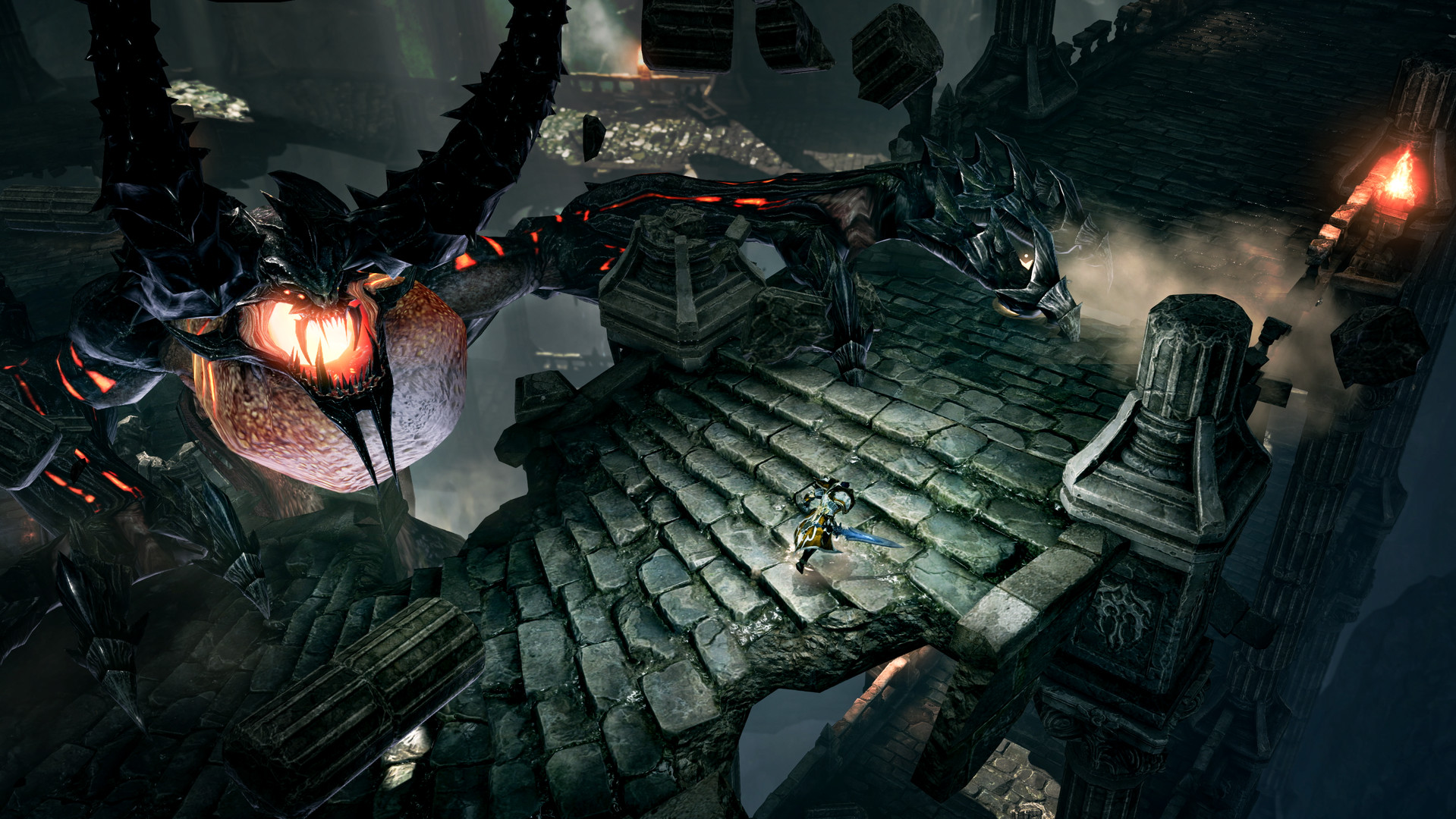
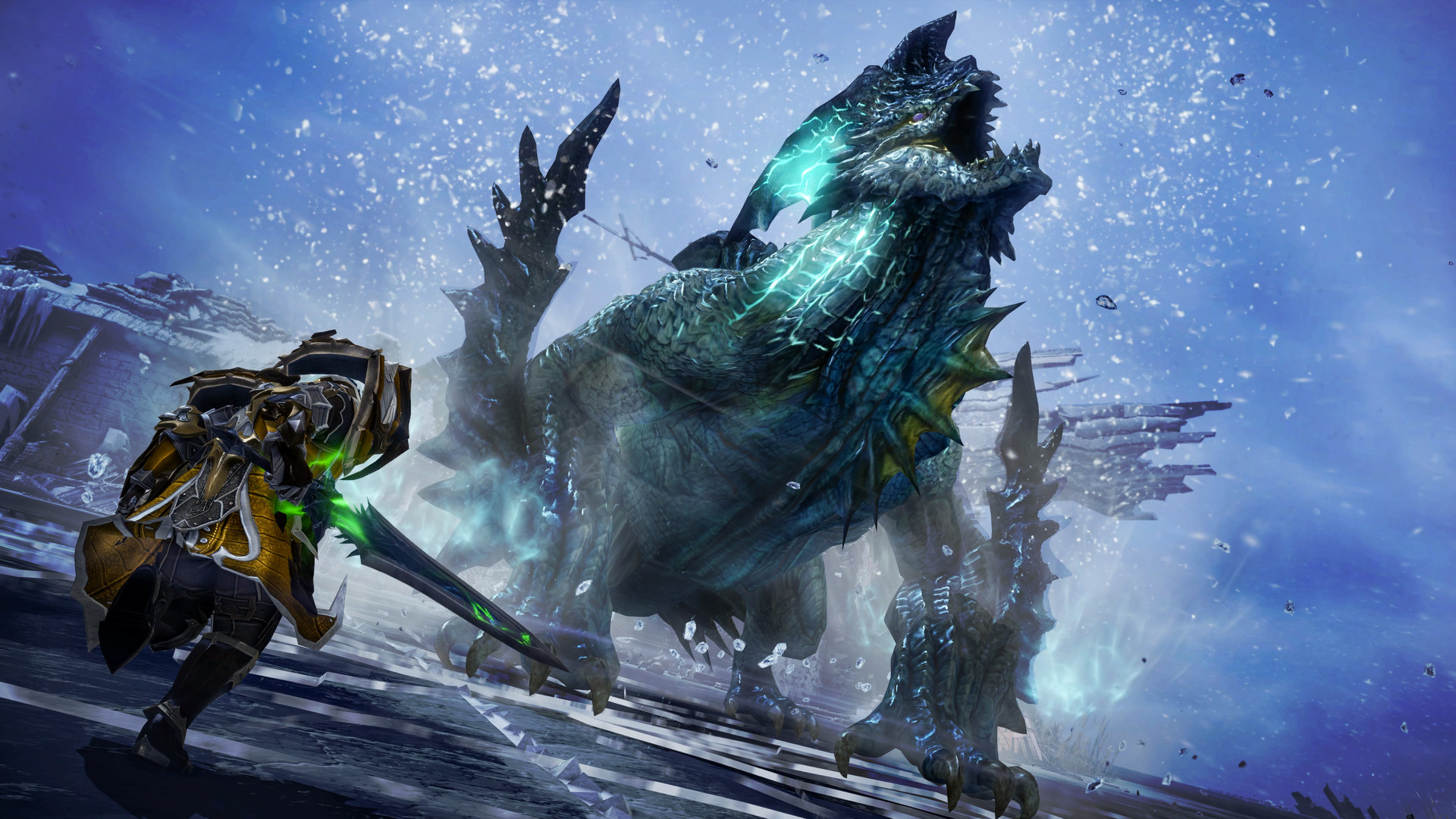
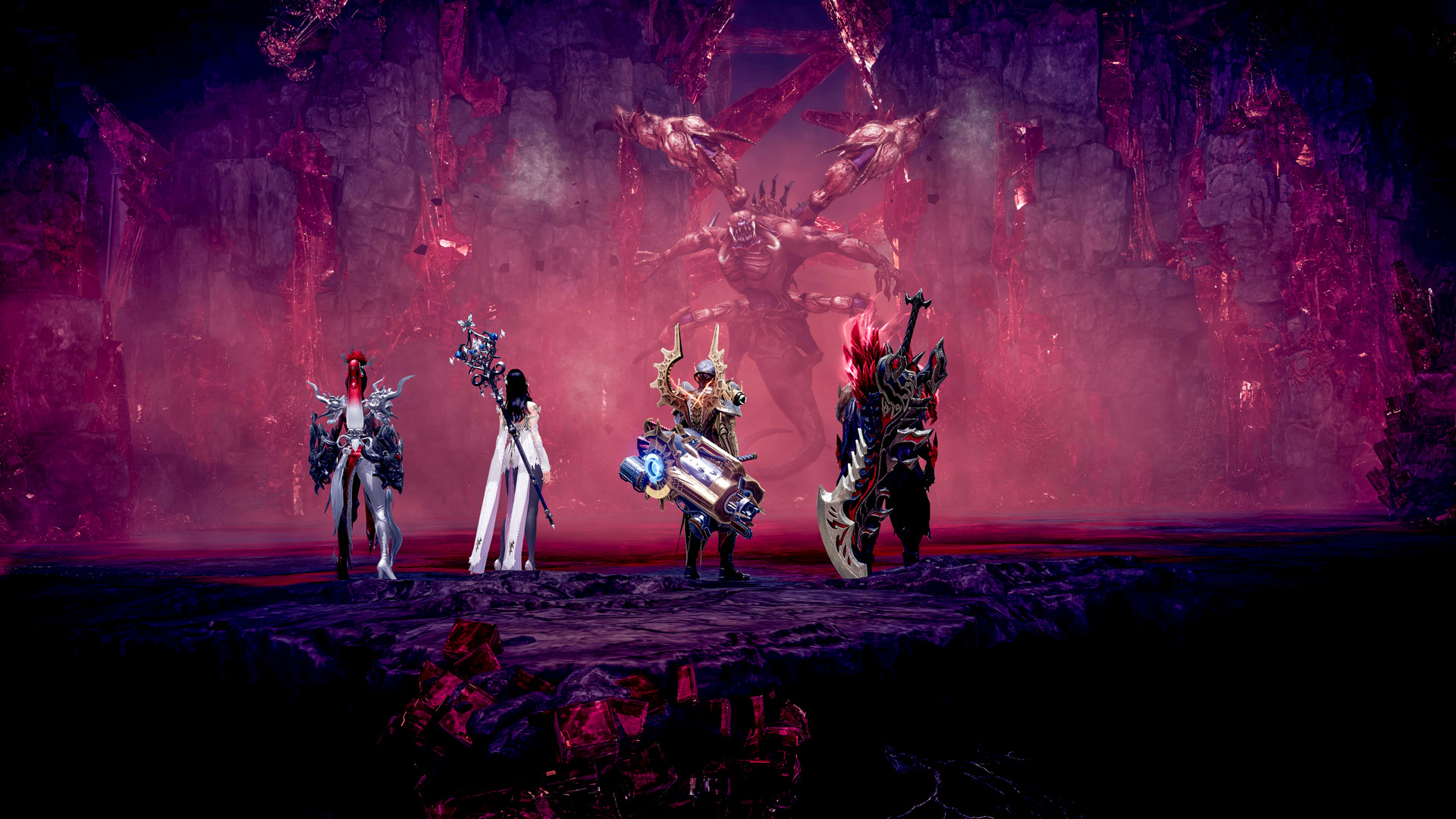
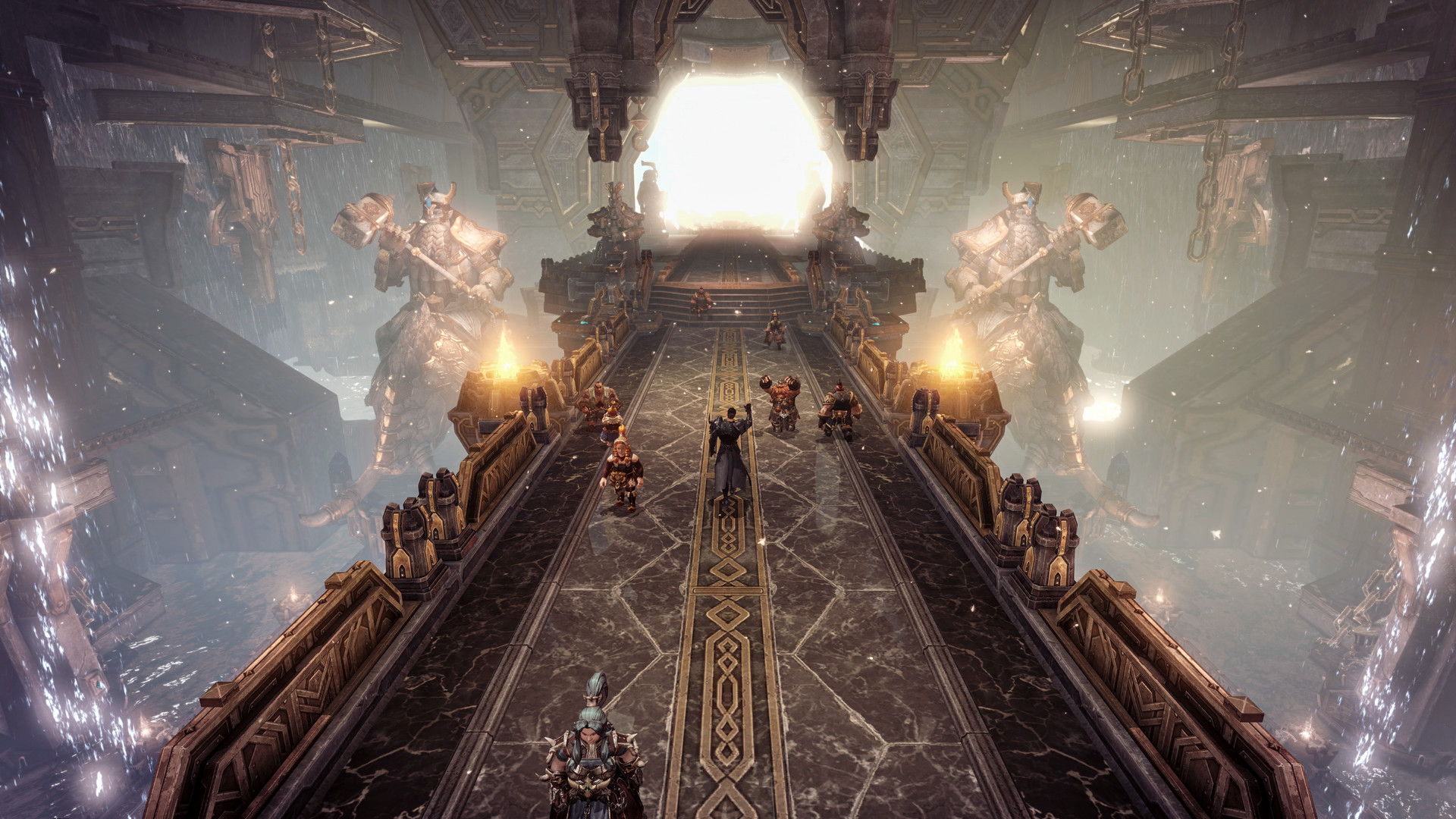
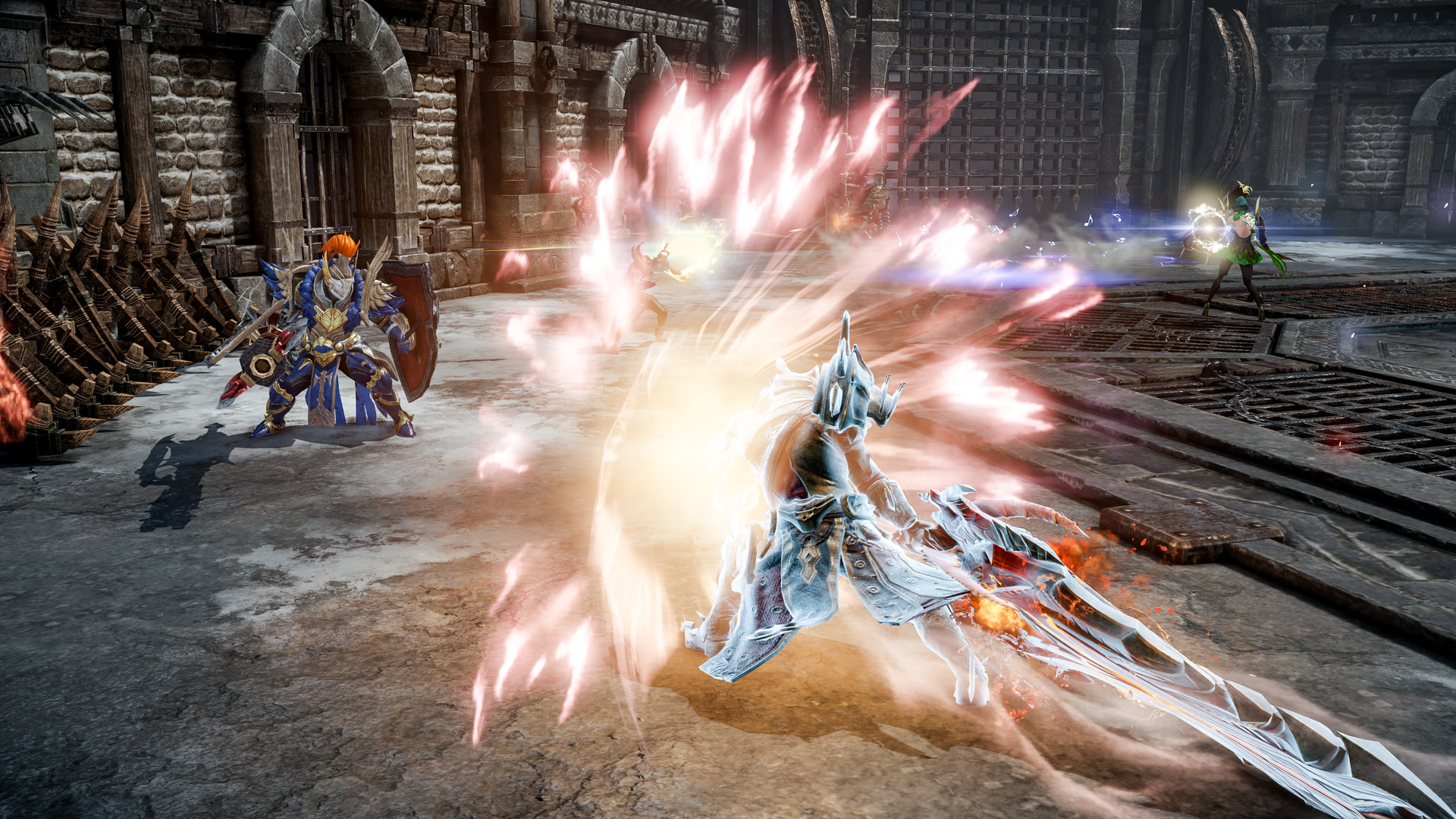
Embark on an odyssey for the Lost Ark in a vast, vibrant world: explore new lands, seek out lost treasures, and test yourself in thrilling action combat in this action-packed free-to-play RPG.
Features
- Single-player story
- Massive online world
- Online PvP multiplayer
- Online co-op with friends
- 156 Steam achievements
- Metacritic score: 81
Technical details
- Version
- Latest on the official website
- Developer
- Smilegate RPG
- License
- Free to play
- Updated
- Nov 19, 2026
- Platforms
- Windows
System requirements
Windows 10 (64-bit only) · Intel Core i3 – 10100 AMD Ryzen3 3100 · 16 GB RAM · Nvidia Geforce GTX 1050 Ti / AMD Radeon RX 560 · 110 GB disk

Similar mmo
- Albion Online – Free-to-play MMO game from Sandbox Interactive GmbH
- Black Desert – MMO game from Pearl Abyss
- FINAL FANTASY XIV Online – MMO game from Square Enix
- Path of Exile – Free-to-play MMO game from Grinding Gear Games
- SMITE – Join 40+ million players in SMITE, the Battleground of the Gods
- STAR WARS: The Old Republic – Free-to-play MMO game from BioWare
- The Elder Scrolls Online – MMO game from Zenimax Online Studios
- World of Warcraft – The legendary fantasy MMORPG
How to download and install Lost Ark
- Click the green Download button on this page and get the official installer.
- Open the downloaded file (usually in your Downloads folder). If Windows asks "Do you want to allow this app to make changes?", click Yes.
- Follow the setup steps. Read each screen and keep the default options if you are not sure.
- When it finishes, start Lost Ark from the Start menu.
Lost Ark FAQ
Is Lost Ark free?
Yes, Lost Ark is free to download and use (Free to play).
Is Lost Ark safe to download?
Our download button goes to the developer's official website or file, so you get the original installer.
Which systems does Lost Ark run on?
Lost Ark is available for Windows. Requirements: Windows 10 (64-bit only) · Intel Core i3 – 10100 AMD Ryzen3 3100 · 16 GB RAM · Nvidia Geforce GTX 1050 Ti / AMD Radeon RX 560 · 110 GB disk.