Overwatch for PC
Overwatch®, A FUTURE WORTH FIGHTING FOR

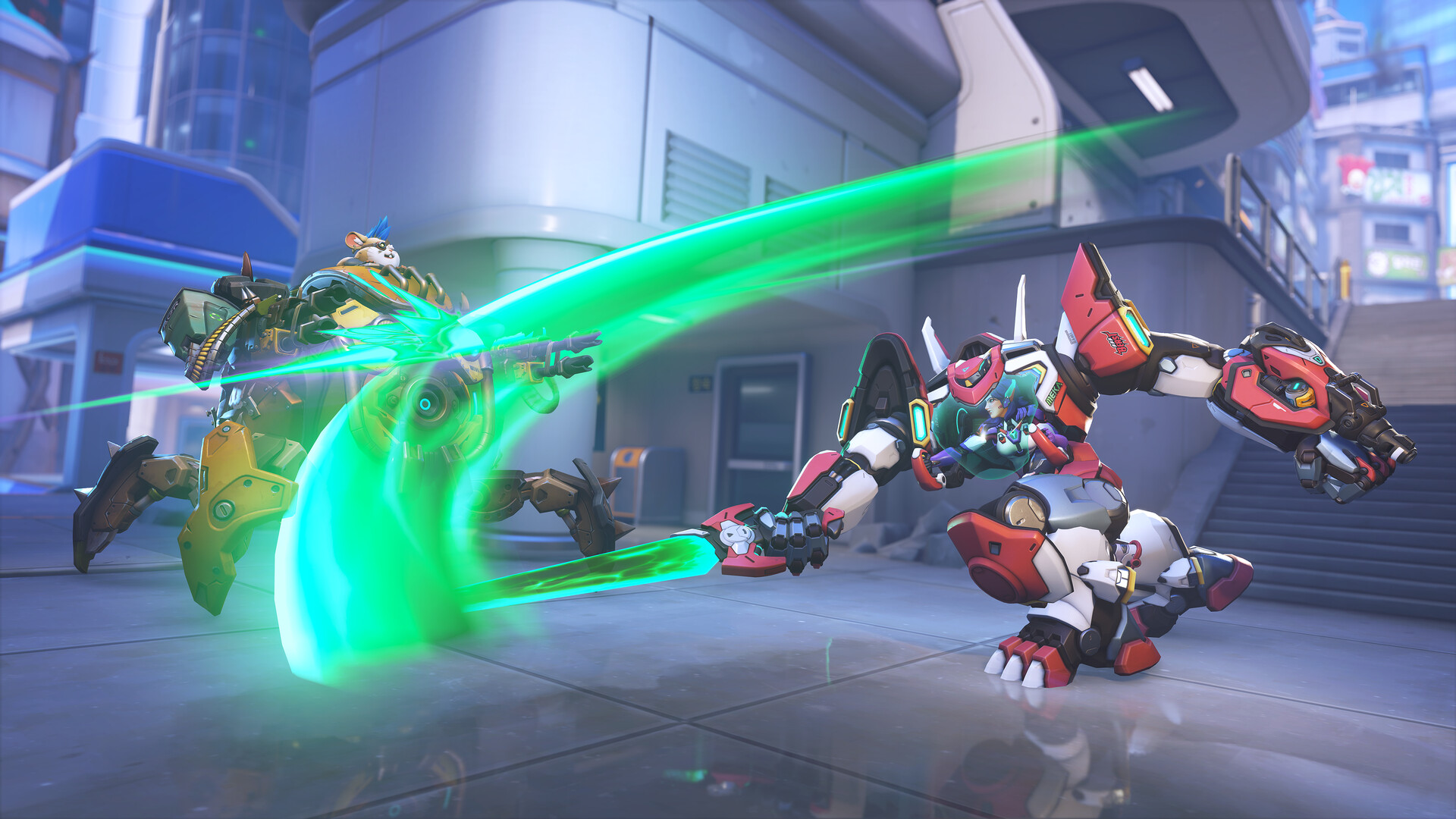
Overwatch®, A FUTURE WORTH FIGHTING FOR! Overwatch® is an always-on and ever-evolving free-to-play, team-based action game set in an optimistic future, where every match is the ultimate 5v5 or 6v6 battlefield brawl.
Features
- Online PvP multiplayer
- Online co-op with friends
- Cross-platform multiplayer
- Full controller support
- 164 Steam achievements
- 14 languages
Technical details
- Version
- Latest on the official website
- Developer
- Blizzard Entertainment, Inc.
- License
- Free to play
- Updated
- Nov 19, 2026
- Platforms
- Windows
System requirements
Windows® 10 64-bit (latest Service Pack) · Intel® Core™ i3 or AMD Phenom™ X3 8650 · 6 GB RAM · NVIDIA® GeForce® GTX 600 series, AMD Radeon™ HD 7000 series · 50 GB disk




Similar action
- A Dance of Fire and Ice – A Dance of Fire and Ice is a strict rhythm game
- ARMORED CORE VI FIRES OF RUBICON – Action game from FromSoftware Inc.
- Assassin's Creed 2 – Action game from Ubisoft Montreal
- Batman: Arkham Asylum Game of the Year Edition – Action game from Rocksteady Studios
- Batman: Arkham City - Game of the Year Edition – Action game from Rocksteady Studios
- Batman: Arkham Knight – Action game from Rocksteady Studios
- Batman: Arkham Origins – Action game from WB Games Montreal
- Beat Saber – Action game from Beat Games
How to download and install Overwatch
- Click the green Download button on this page and get the official installer.
- Open the downloaded file (usually in your Downloads folder). If Windows asks "Do you want to allow this app to make changes?", click Yes.
- Follow the setup steps. Read each screen and keep the default options if you are not sure.
- When it finishes, start Overwatch from the Start menu.
Overwatch FAQ
Is Overwatch free?
Yes, Overwatch is free to download and use (Free to play).
Is Overwatch safe to download?
Our download button goes to the developer's official website or file, so you get the original installer. Its safety score on AllSoftwareAPK is 70/100.
Which systems does Overwatch run on?
Overwatch is available for Windows. Requirements: Windows® 10 64-bit (latest Service Pack) · Intel® Core™ i3 or AMD Phenom™ X3 8650 · 6 GB RAM · NVIDIA® GeForce® GTX 600 series, AMD Radeon™ HD 7000 series · 50 GB disk.