Warframe for PC
Free-to-play shooter game from Digital Extremes

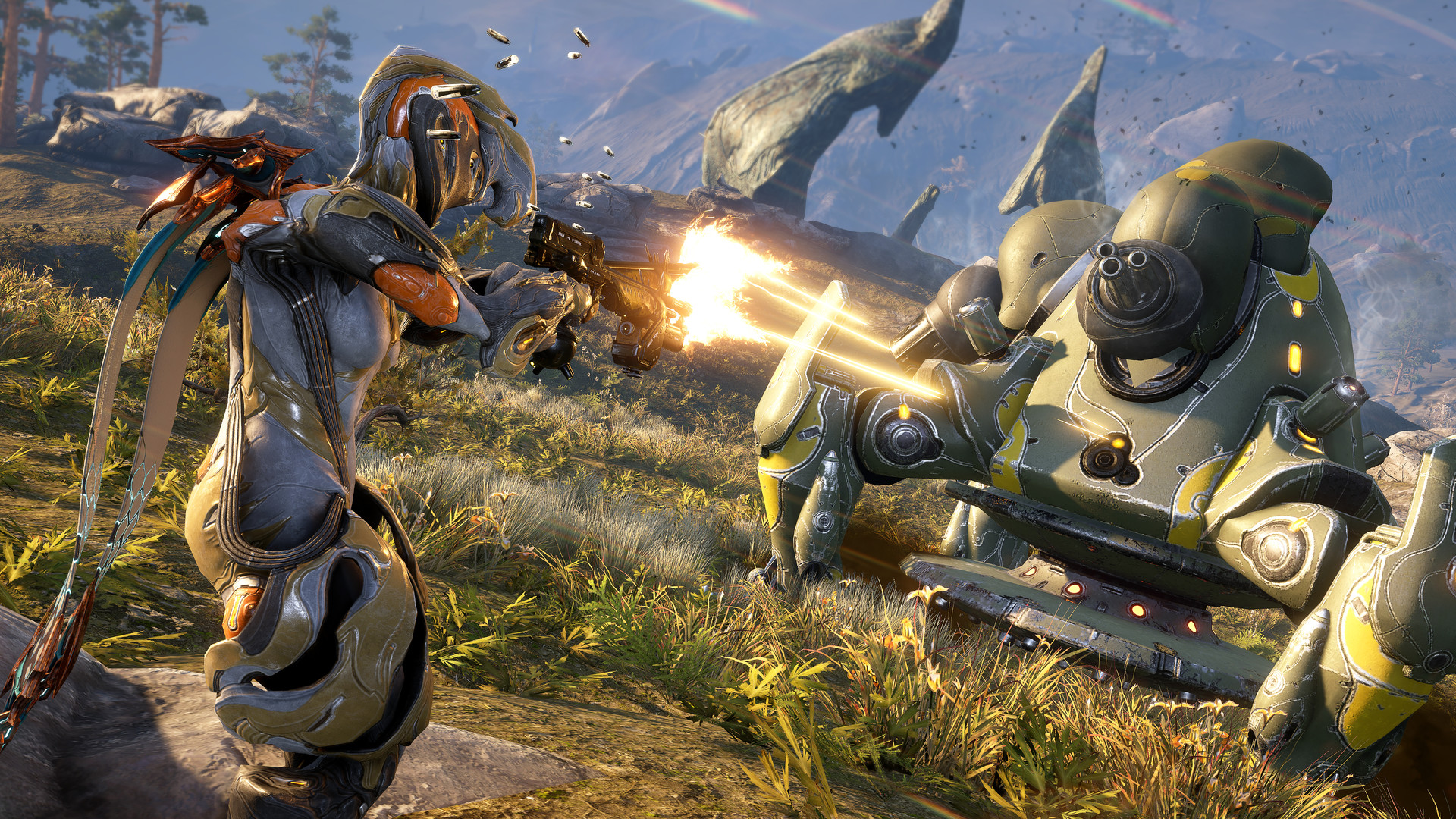
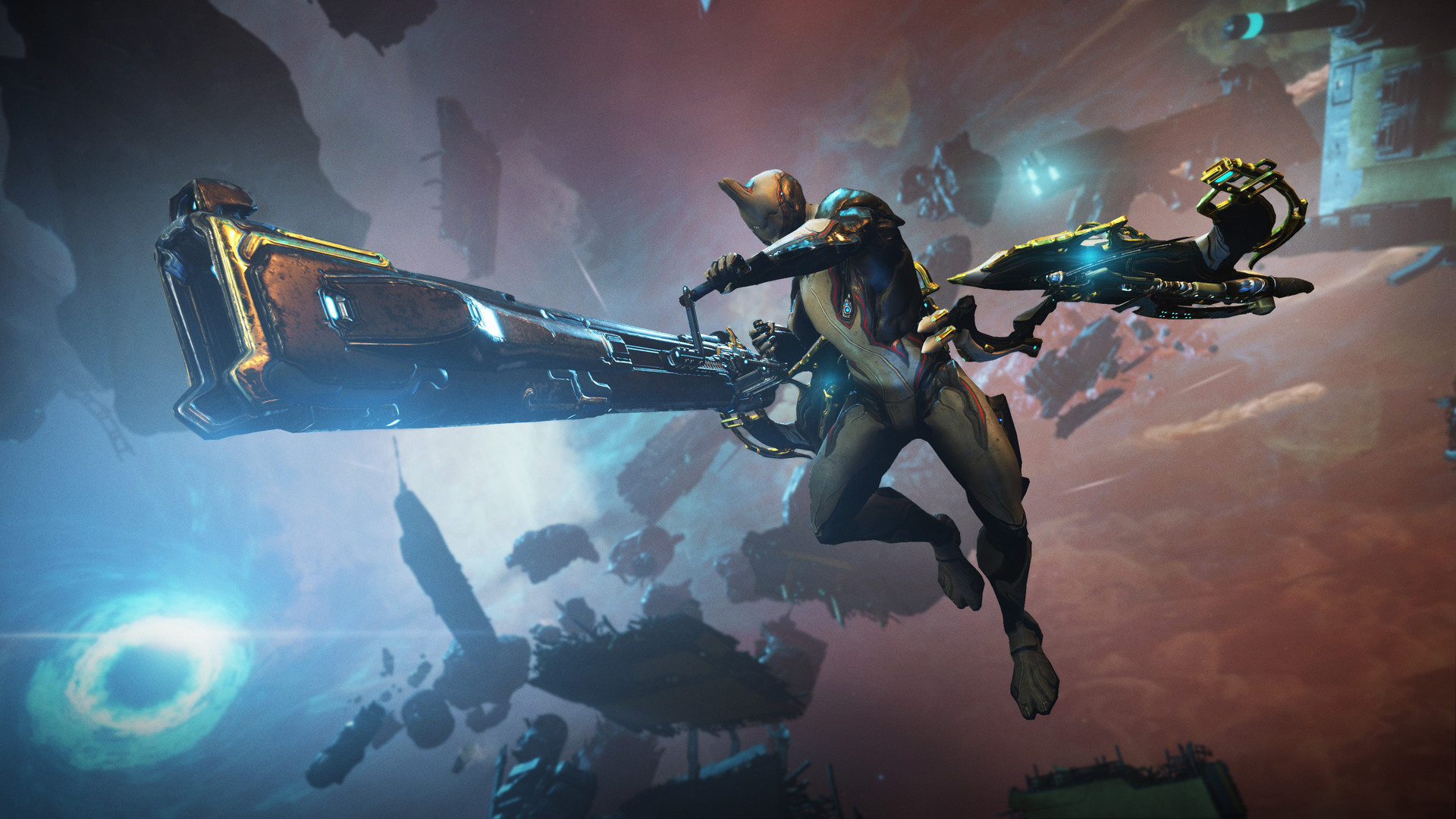
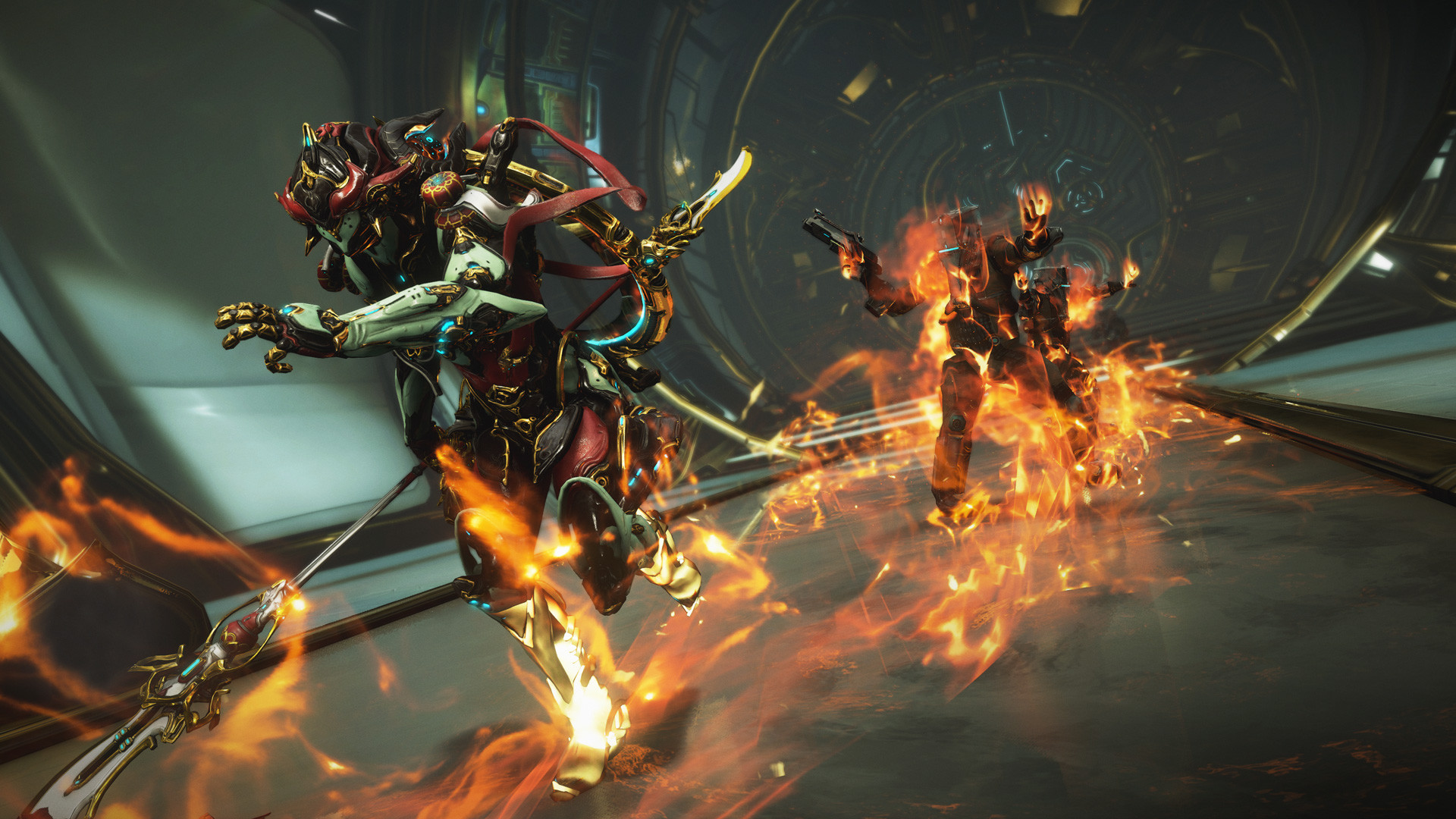
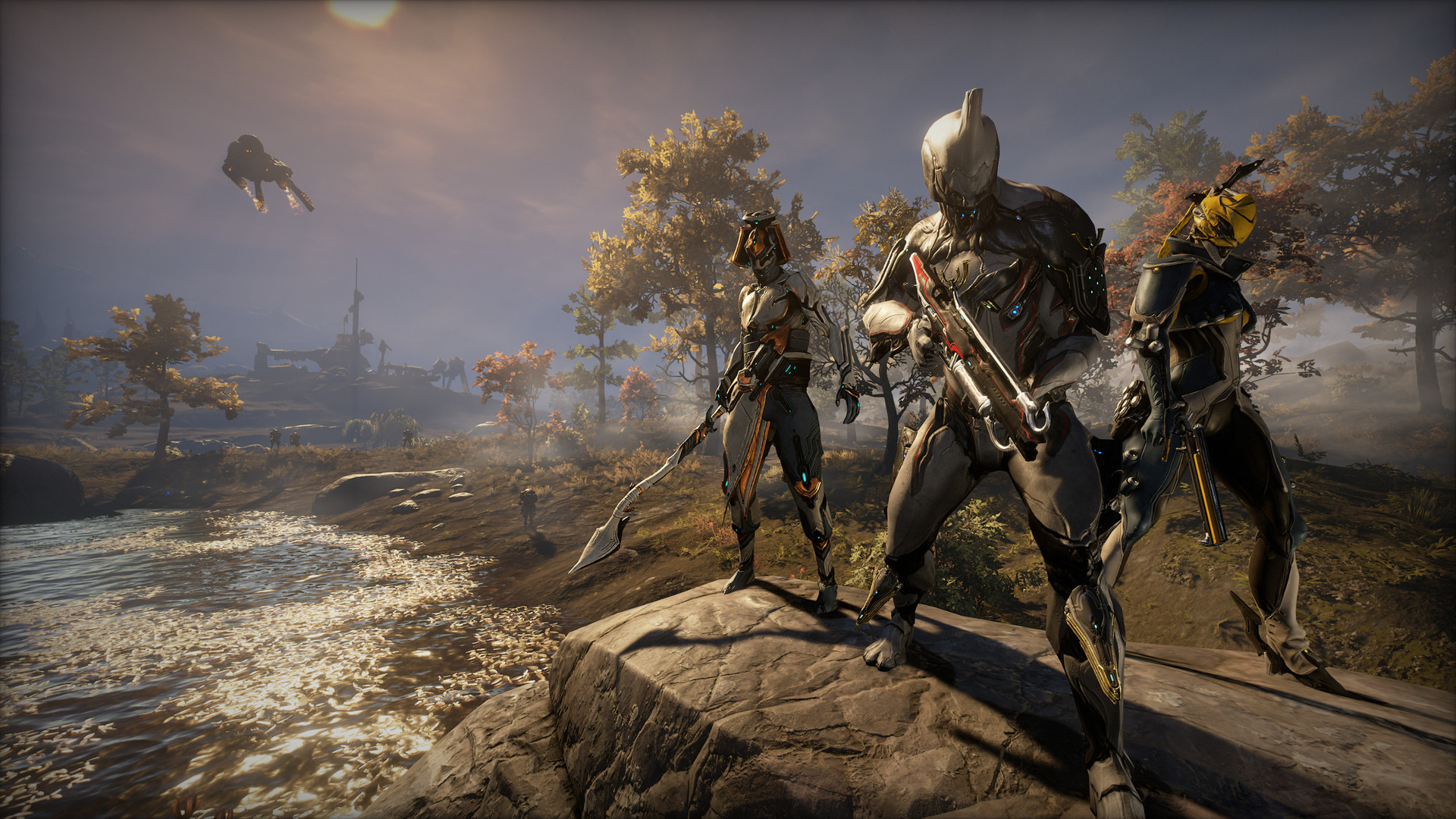
Awaken as an unstoppable warrior and battle alongside your friends in this story-driven free-to-play online action game.
Features
- Single-player story
- Online co-op with friends
- Cross-platform multiplayer
- Full controller support
- Mods from the Steam Workshop
- 193 Steam achievements
Technical details
- Version
- Latest on the official website
- Developer
- Digital Extremes
- License
- Free to play
- Updated
- Nov 19, 2026
- Platforms
- Windows
System requirements
Windows 7 64-Bit (32-bit not supported) · Intel Core i7 860, Intel Core i5 750, or AMD FX-4100 (SSE 4.2 support required) · 4 GB RAM · DirectX 11+ capable Graphics Card · 75 GB disk



Similar shooter
- ACE COMBAT 7: SKIES UNKNOWN – Shooter game from BANDAI NAMCO Studios Inc.
- Aimlabs – Free-to-play shooter game from Statespace
- Apex Legends – Free-to-play shooter game from Respawn Entertainment
- Arma 3 – Experience true combat gameplay in a massive military sandbox
- Back 4 Blood – Shooter game from Turtle Rock Studios
- BattleBit Remastered – Shooter game from SgtOkiDoki
- Battlefield 1 – Shooter game from DICE
- Battlefield 2042 – Shooter game from DICE
How to download and install Warframe
- Click the green Download button on this page and get the official installer.
- Open the downloaded file (usually in your Downloads folder). If Windows asks "Do you want to allow this app to make changes?", click Yes.
- Follow the setup steps. Read each screen and keep the default options if you are not sure.
- When it finishes, start Warframe from the Start menu.
Warframe FAQ
Is Warframe free?
Yes, Warframe is free to download and use (Free to play).
Is Warframe safe to download?
Our download button goes to the developer's official website or file, so you get the original installer. Its safety score on AllSoftwareAPK is 70/100.
Which systems does Warframe run on?
Warframe is available for Windows. Requirements: Windows 7 64-Bit (32-bit not supported) · Intel Core i7 860, Intel Core i5 750, or AMD FX-4100 (SSE 4.2 support required) · 4 GB RAM · DirectX 11+ capable Graphics Card · 75 GB disk.